Ir directamente a la información del producto

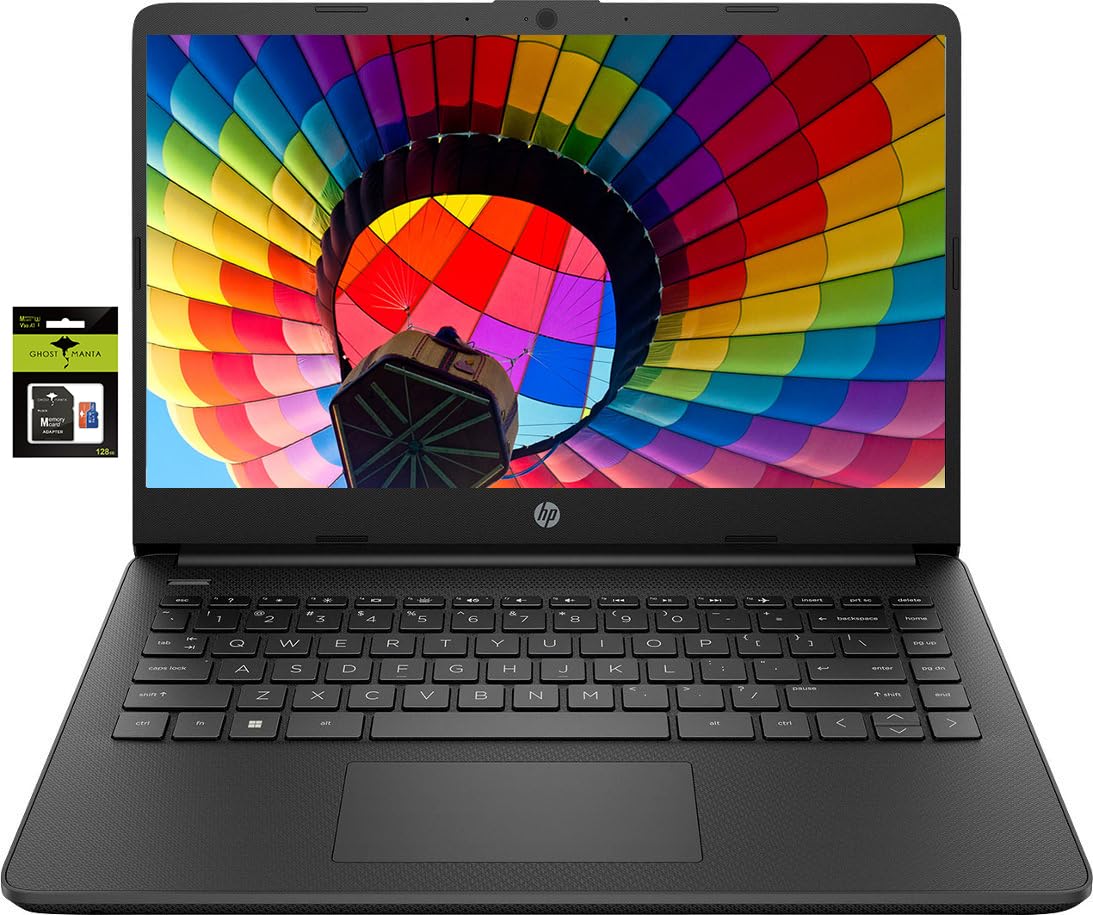
HP 14" Laptop Ultral Light for Students and Business Quad-Core Intel Celeron Processor 16GB RAM 256GB Storage (128GB eMMC + 128GB Ghost Manta SD Card) HDMI WiFi USB-A&C Win 11

HP 14" Laptop Ultral Light for Students and Business Quad-Core Intel Celeron Processor 16GB RAM 256GB Storage (128GB eMMC + 128GB Ghost Manta SD Card) HDMI WiFi USB-A&C Win 11

¡Quedan pocos! 12 ¡Los compradores están echando el ojo a esto!

100% Satisfacción Garantizada

Soporte al cliente 24/7

Con la confianza de miles

Embalaje ecológico

Precio habitual $1,068.95
Precio habitual $1,068.95 Precio de oferta $1,068.95
Save 0% Agotado
Sizen/a
  • ENVÍO GRATIS A PARTIR DE 50 $
  • DEVOLUCIONES EN 30 DÍAS
  • Soporte al cliente 24/7

Switching out of S mode in Windows 11Windows 11 in S mode is designed for security and performance exclusively running apps from the Microsoft Store. If you want to install an app that isnt available in the Microsoft Store youll need to switch out of S mode1. On your PC running Windows 11 in S mode open Settings > System > Activation.2. In the Switch to Windows 11 Pro section select Go to the Store. (If you also see an "Upgrade your edition of Windows" section be careful not to click the "Go to the Store" link that appears there.)3. On the Switch out of S mode (or similar) page that appears in the Microsoft Store select the Get button. After you see a confirmation message on the page youll be able to install apps from outside of the Microsoft Store.Activate pre-installed Office 365:1.Launch any Office app >2.Start your activation by signing in with your Microsoft account(Create a account if you dont have one yet) >3.Click "Ac

Ver todos los detalles
Selected Variant Image
HP 14" Laptop Ultral Light for...
n/a
Precio habitual $1,068.95
Precio habitual $1,068.95 Precio de oferta $1,068.95