You Deserve a Treat – Enjoy a Little Something on Us!
Free Shipping on Orders Over $50!
100% Satisfaction Guaranteed
24/7 Customer Support
Trusted by Thousands
Eco-Friendly Packaging
Couldn't load pickup availability
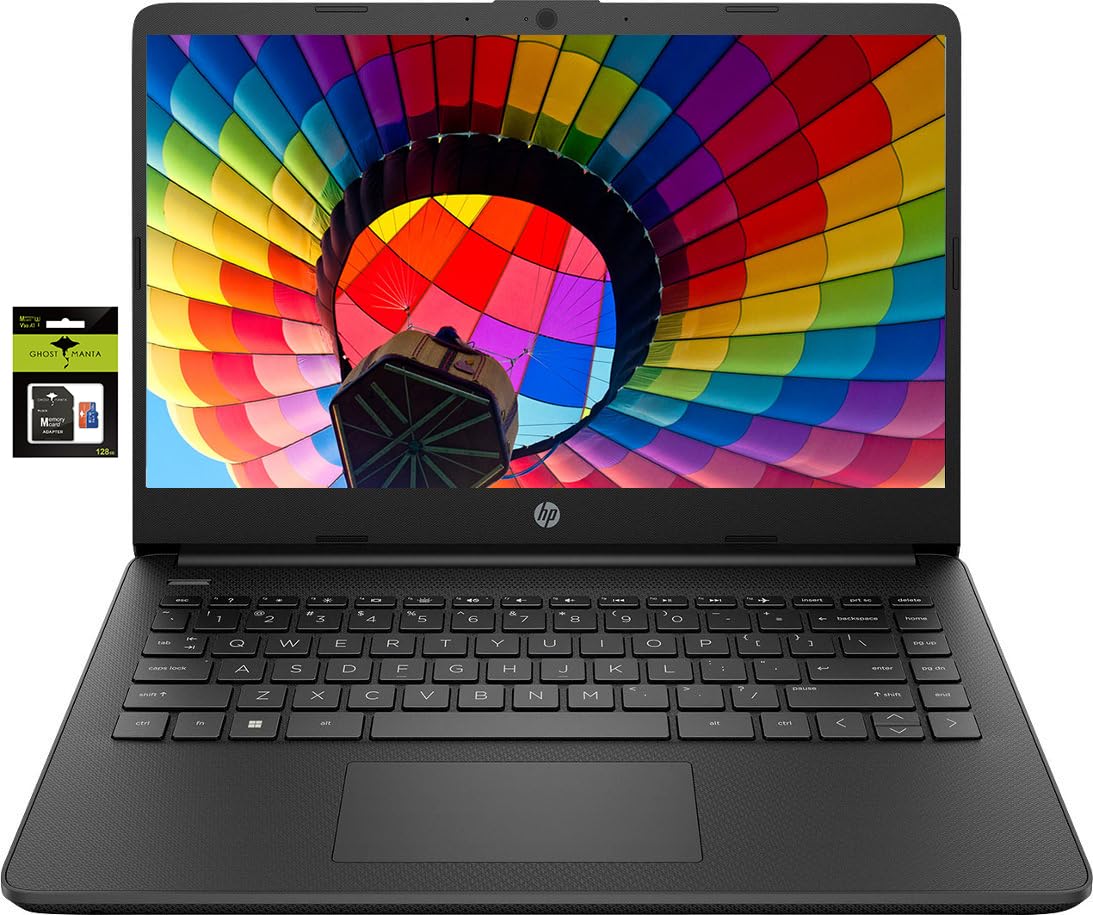
Switching out of S mode in Windows 11Windows 11 in S mode is designed for security and performance exclusively running apps from the Microsoft Store. If you want to install an app that isnt available in the Microsoft Store youll need to switch out of S mode1. On your PC running Windows 11 in S mode open Settings > System > Activation.2. In the Switch to Windows 11 Pro section select Go to the Store. (If you also see an "Upgrade your edition of Windows" section be careful not to click the "Go to the Store" link that appears there.)3. On the Switch out of S mode (or similar) page that appears in the Microsoft Store select the Get button. After you see a confirmation message on the page youll be able to install apps from outside of the Microsoft Store.Activate pre-installed Office 365:1.Launch any Office app >2.Start your activation by signing in with your Microsoft account(Create a account if you dont have one yet) >3.Click "Ac

We provide Doorstep Delivery
Free returns within 30 days
Contact us by chat or mail
Trusted payment methods
✈︎ Free Shipping Over $50
🗨 24/7 Customer Support
✴ Best Prices Always
✈︎ Free Shipping Over $50
🗨 24/7 Customer Support
✴ Best Prices Always
✈︎ Free Shipping Over $50
🗨 24/7 Customer Support
✴ Best Prices Always
✈︎ Free Shipping Over $50
🗨 24/7 Customer Support
✴ Best Prices Always
✈︎ Free Shipping Over $50
🗨 24/7 Customer Support
✴ Best Prices Always
✈︎ Free Shipping Over $50
🗨 24/7 Customer Support
✴ Best Prices Always
✈︎ Free Shipping Over $50
🗨 24/7 Customer Support
✴ Best Prices Always
✈︎ Free Shipping Over $50
🗨 24/7 Customer Support
✴ Best Prices Always
✈︎ Free Shipping Over $50
🗨 24/7 Customer Support
✴ Best Prices Always
✈︎ Free Shipping Over $50
🗨 24/7 Customer Support
✴ Best Prices Always
Be the first to know about new collections and exclusive offers.